Touch Simulation
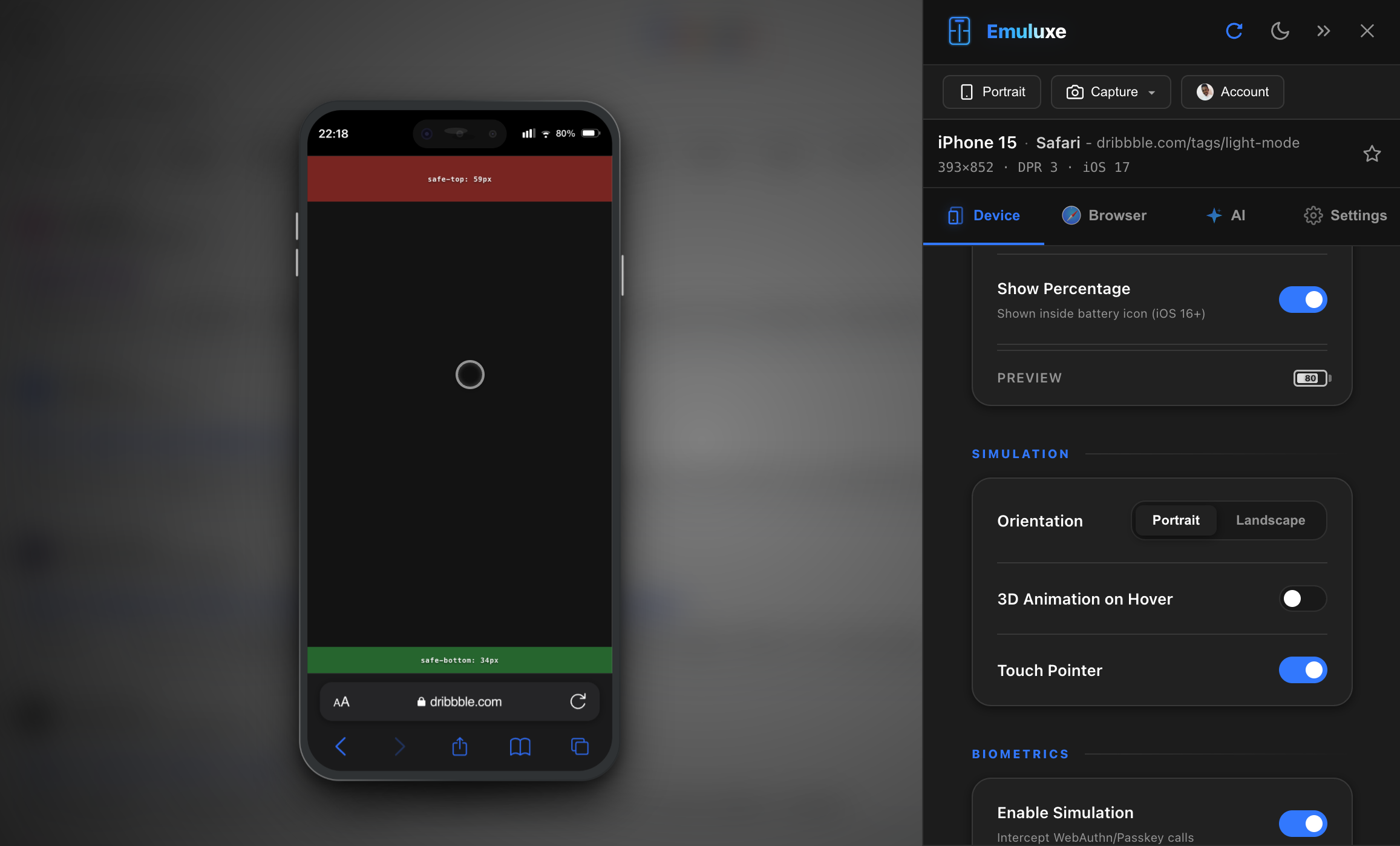
Emuluxe provides accurate simulation of touch-based interactions by translating desktop mouse inputs into native mobile event streams. This ensures that hover-reliant desktop behaviors are replaced with the correct touch-start and touch-end cycles required for mobile auditing.
The Touch Injection Layer
Emuluxe intercepts mouse events at the simulation root and converts them into standardized TouchEvents (touchstart, touchmove, touchend).
1. Unified Point Translation
When you interact with the simulator, Emuluxe ensures that the screen coordinates are mapped accurately to the simulated viewport. This overcomes common "offset" issues found in standard responsive tools, ensuring that buttons, sliders, and interactive canvas elements respond exactly where you tap.
2. Inertial Scroll Physics
Mobile devices use distinct physics models for scrolling. Emuluxe mimics these behaviors to test:
- Velocity Tracking: The speed of your interaction determines the scroll momentum and decay rate.
- Overscroll Behavior: Simulates the "rubber-band" effect at scroll boundaries, ensuring your headers and footers handle edge cases gracefully.
- Scroll Snapping: High-fidelity testing for CSS Scroll Snap points, ensuring they capture the momentum correctly as a user "flicks" through content.
Hardware Synchronization
Touch characteristics vary across hardware. Emuluxe synchronizes these properties based on your active Foundry profile:
- Input Reporting: Injects
navigator.maxTouchPoints(e.g., 5 or 10) to ensure your internal feature-detection logic recognizes the device as touch-enabled. - Touch Target Audit: Renders visual indicators for your taps in the Settings panel, helping you verify if tap targets are large enough for comfortable mobile use.
Why testing Touch matters
Traditional clicking doesn't account for:
- Sticky Hover States: Hover effects often "stick" on mobile until another element is tapped.
- Momentum Scrolling: Verifying that "Lazy Loading" images or infinite-scroll triggers fire correctly during high-velocity scrolls.
- Tap Delay: Auditing if your application suffers from legacy 300ms tap delays or unintended double-tap zooms.
[!NOTE] Emuluxe currently focuses on single-point high-fidelity touch simulation. Complex multi-finger gestures (like multi-point pinch) are not supported in the current version of the browser extension.
Next, see how we mock the underlying Hardware Fingerprinting.