AI Copilot & Chat
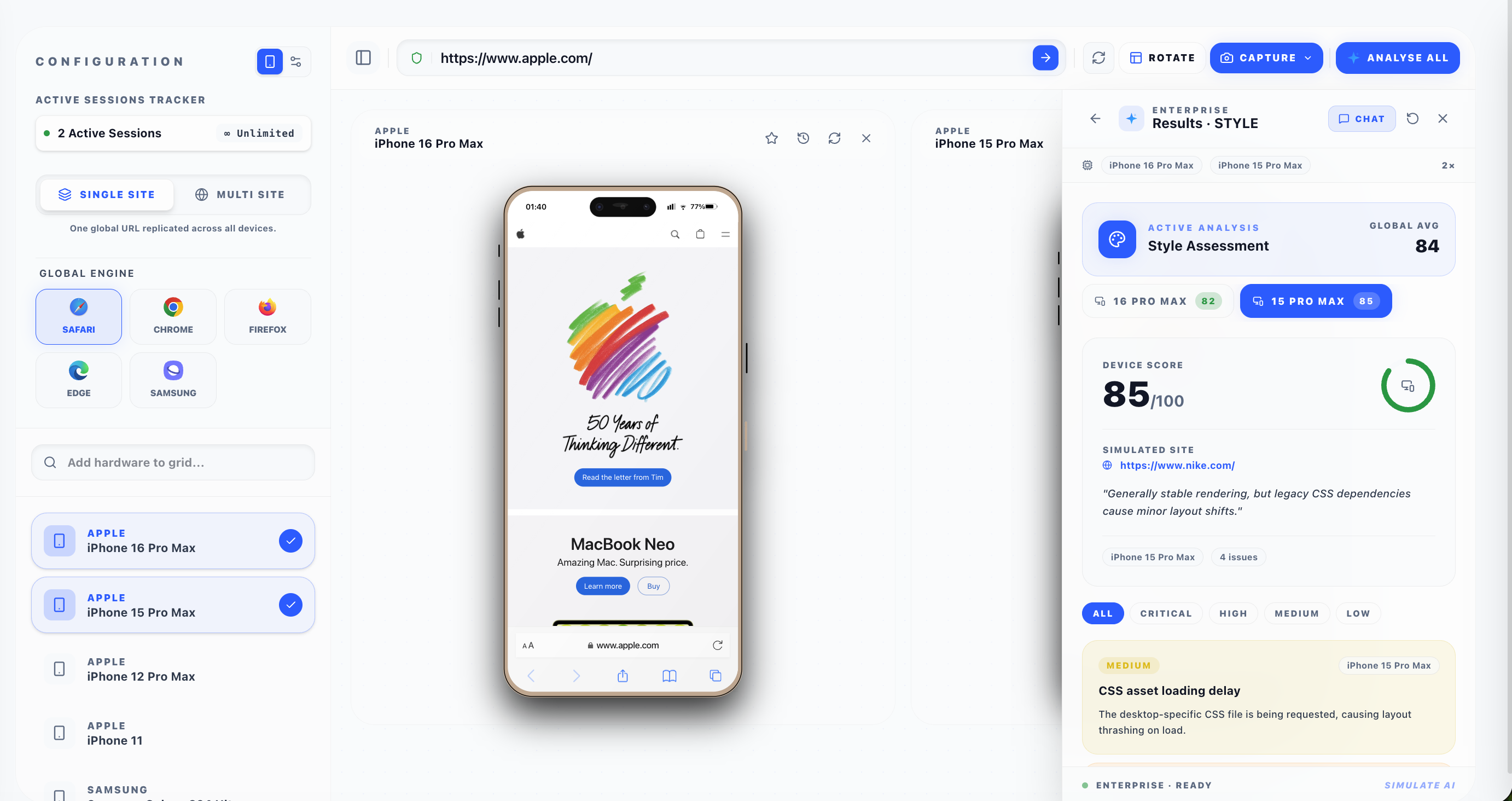
Beyond point-in-time analysis, the Emuluxe AI Engine functions as a collaborative partner. The AI Copilot Chat maintains context of your current device fleet, the page you're testing, and the results of your recent audits.
[!IMPORTANT] AI Copilot Chat and Chat History are available exclusively to Enterprise users.
Context-Aware Troubleshooting
If an analysis uncovers a "Critical Layout Overflow" on the iPhone 15 Pro, you can switch seamlessly to the Chat interface and ask the Copilot how to fix it.
Because the Copilot retains the context of the HTML/CSS payload that was just extracted, it can provide exact code snippets and tailored CSS fixes rather than generic advice.
Chat History & Sessions
Enterprise teams can revisit past troubleshooting sessions. Each AI analysis and subsequent chat conversation is saved as a discrete session in your workspace.
- Resume Context: Jump back into an old conversation to pick up where you left off.
- Team Insights: (Coming soon) Share chat transcripts with your team to document complex bug resolutions.
To view past sessions, click the History icon located in the header of the AI panel.